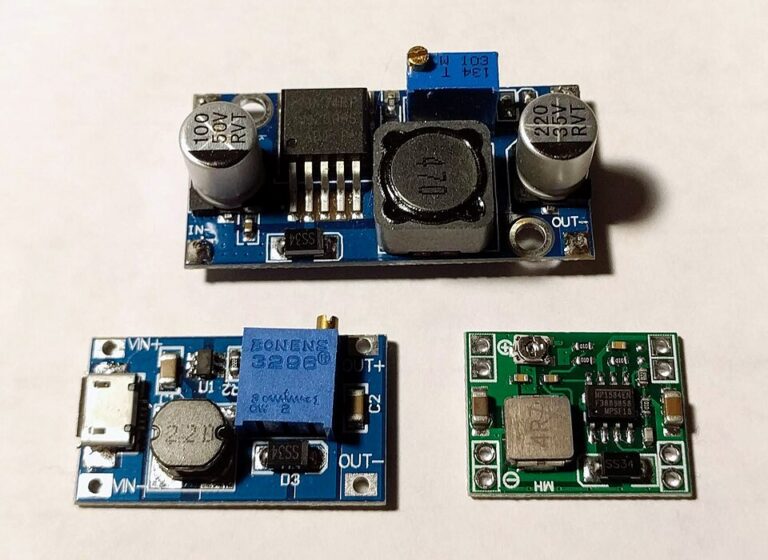
Why Your LM2596 Module Runs Hot Under Load
By admin
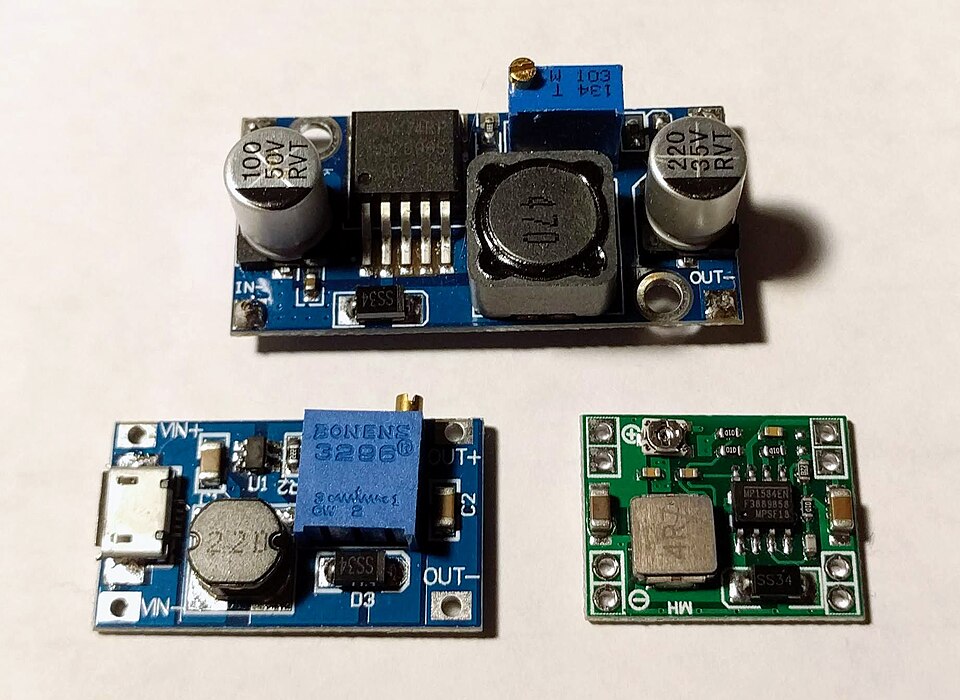
A buck converter can stay cool during setup and become hot once it powers a real project. Temperature depends on input voltage, output current, the parts fitted to the board and how easily the board can release heat. A module operating inside the enclosure you plan to use can behave differently from the same board sitting in open air.
Start with a steady load
Use a known low-voltage DC source and an electronic load or a power resistor rated for the expected dissipation. Start with a modest load. Record the input and output voltages and currents after the readings settle. Increase the load in practical steps and record the same values each time. Use a temperature probe with insulated placement or a suitable infrared instrument. Bare, shiny metal can mislead infrared measurements, so compare on a consistent surface and allow time for temperature to settle.
Estimate efficiency by dividing output power by input power. For example, a module delivering 6 W at 80 percent efficiency draws about 7.5 W from the supply. The remaining 1.5 W becomes heat across the converter’s components and traces. That amount of heat can produce a noticeable temperature rise on a small board. Check the switch IC, diode and inductor, since each can contribute to the observed heating.
Read the pattern in your measurements
- If the input voltage falls sharply when you add load, check the source current limit and input wiring first.
- If the input holds steady while the output sags or cycles, reduce the load and check whether the board is approaching an electrical or thermal limit.
- If the board works in open air but grows unstable inside the project, repeat the measurements with the intended mounting and ventilation.
Stop a test if the board smells unusual, discolours or shows a rapid, sustained temperature rise. Use the module or component documentation when judging suitable temperatures. The LM2596 IC includes current limiting and thermal shutdown, and the module still depends on its inductor, diode, capacitors, PCB and surrounding air. Choose a converter with measured margin at the intended demand rather than treating a thermal shutdown as part of normal operation.