Build a Simple ESP32 Light-Level Logger
By admin
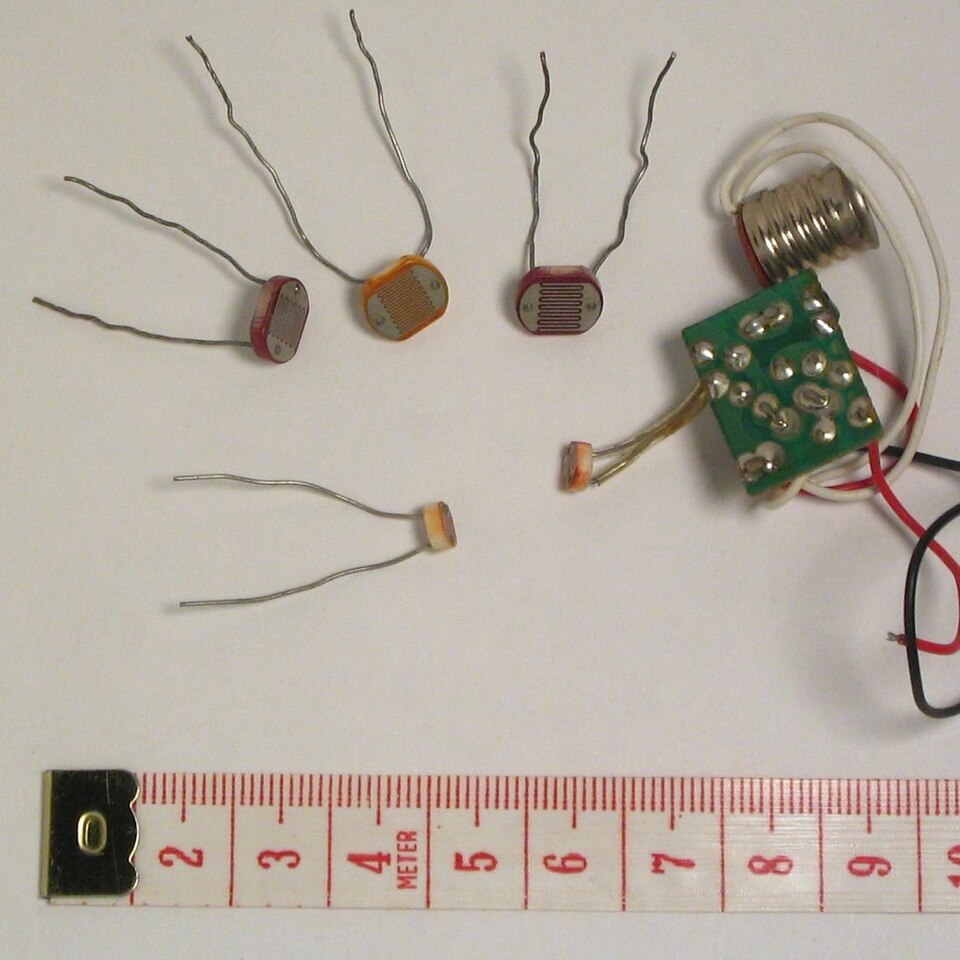
A light-level logger is a useful first data project because you can see the signal change immediately. Build a version that streams readable rows to your computer, then decide how to add local storage or networking. This approach gives you a baseline for the sensor response and the shape of the data before you add more ways for the project to fail.
Start with the input you can measure
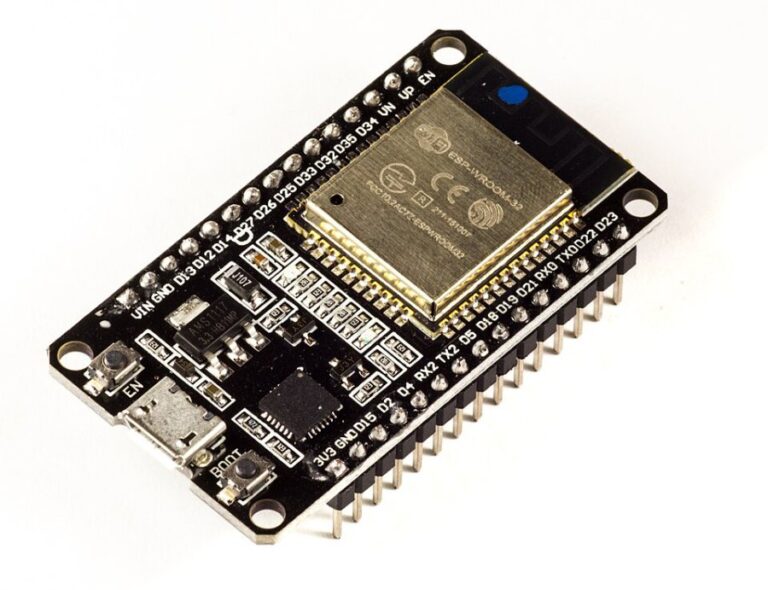
Choose a light-sensor module that operates at a suitable voltage. For an analog breakout, verify the maximum output and common ground before you connect the signal to an ESP32 ADC1-capable pin. An original ESP32 can use an exposed GPIO34 for that input. Record whether the reading rises or falls when you cover the sensor. Many simple light modules give relative measurements. Reporting voltage or a raw ADC value is appropriate unless you have calibrated the full setup to report illuminance.
Give every row the same shape
Start with a CSV header such as sample,elapsed_ms,light_mV,status. Record a sample number, a timestamp relative to boot, a millivolt estimate and a short status value. Use a fixed sampling interval suited to your project. Capture ten or twenty samples at the bench, then import them into a spreadsheet and plot the reading against time.
Keep measurement rows separate from debugging messages, so a spreadsheet can parse the CSV reliably. Decide how to represent a failed reading. An empty measurement with a clear status is useful when zero is a valid value. If your application eventually needs clock time, add a timestamp once the clock is available and preserve the sample number for ordering.
Run three useful tests
- Cover the light sensor briefly and check whether the change appears at the expected point in the log.
- Restart the board and confirm that the next session can be distinguished from the earlier one.
- Disconnect the serial monitor while the program runs and check the behavior you expect when you reconnect.
Store small configuration values, such as the sampling interval, in Preferences if they need to persist. For long logs, choose a filesystem or removable storage based on the data volume and recovery behavior you need. Add storage or Wi-Fi after the CSV stream works, then repeat the same tests to catch surprises introduced by the new feature.