Calibrate Extruder Feed After Changing a Gear or Stepper Motor
By admin
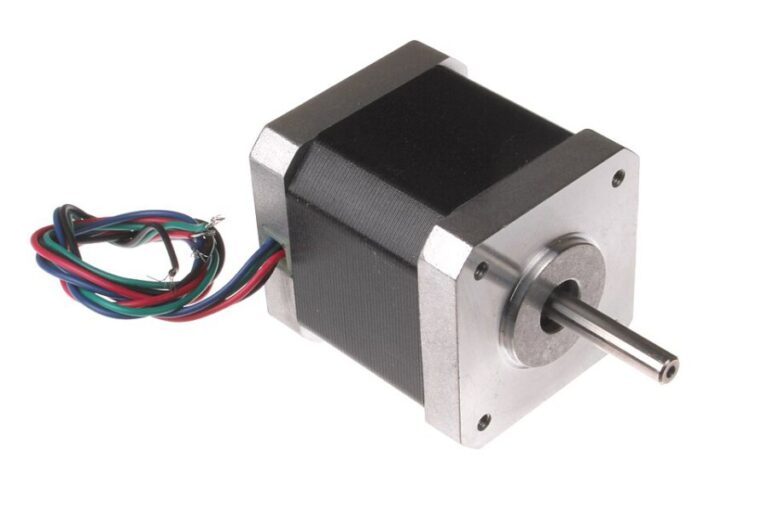
An extruder replacement can change how much filament the printer feeds per motor turn. The difference may come from the new drive gear diameter or reduction ratio. To establish a new baseline, compare a small commanded move with the actual length fed. Keep this mechanical measurement separate from the slicer’s flow setting, which is tuned for a material and print profile.
Make the measurement repeatable
Back up the firmware configuration. Check that the filament can feed smoothly and that the drive gear is clean, aligned and tensioned as the manufacturer specifies. If the gear slips or the nozzle is partially blocked, the measured distance will vary with load. Resolve those issues before adjusting a constant that will affect all later prints.
Use the maker’s safe procedure for a low-speed extrusion test. If the filament passes through the hotend, bring the machine only to the recommended temperature for that material and keep clear of the heated parts. Leave the printer’s extrusion safety checks enabled. Mark the filament above a fixed reference point, measure the initial distance, command a known feed length and record the remaining distance from the same reference. Subtract to find the actual length fed.
Apply the correction in the right direction
Suppose you requested 50 mm and measured 47.5 mm. In a steps/mm configuration, multiply the old value by 50 ÷ 47.5 because the printer needs more pulses to move a millimetre. In Klipper, multiply the old rotation distance by 47.5 ÷ 50 because each turn of the drive mechanism moved less filament than the setting predicted. Leave the gear ratio alone if you already confirmed its tooth counts and configuration.
Validate before changing slicer flow
- Repeat the same measurement and confirm the results are close together.
- Save the approved setting using your firmware’s documented procedure.
- Print a simple extrusion or wall test with a known material profile.
- Look for skipped feed, drag or cooling problems if the print still shows gaps.
If a low-speed test is accurate but a fast print under-extrudes, review the printing temperature, filament path and volumetric flow limit. Raising the basic feed calibration will also affect slower sections that were already printing correctly.