Microstepping Explained: Smoother Motion, Pulse Rate and Real Accuracy
By admin
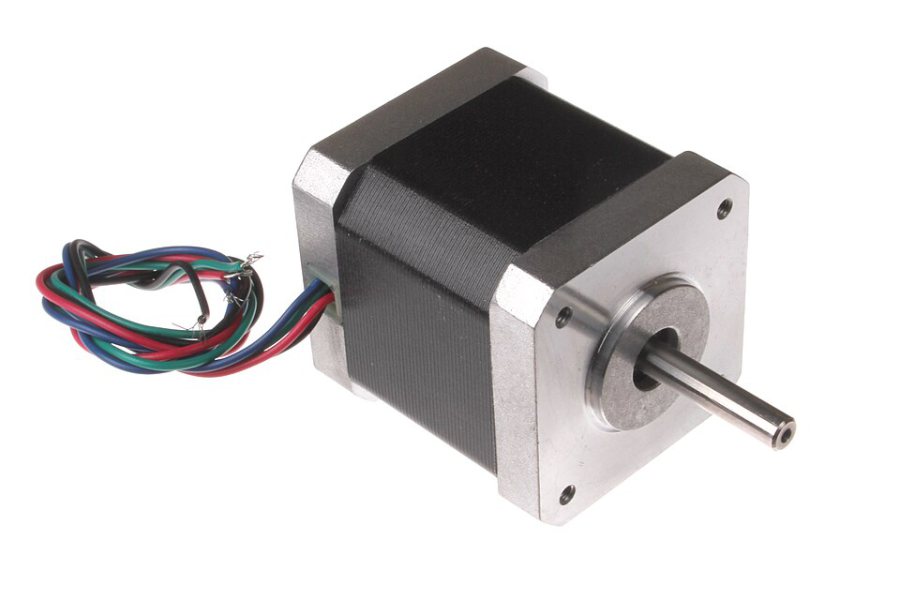
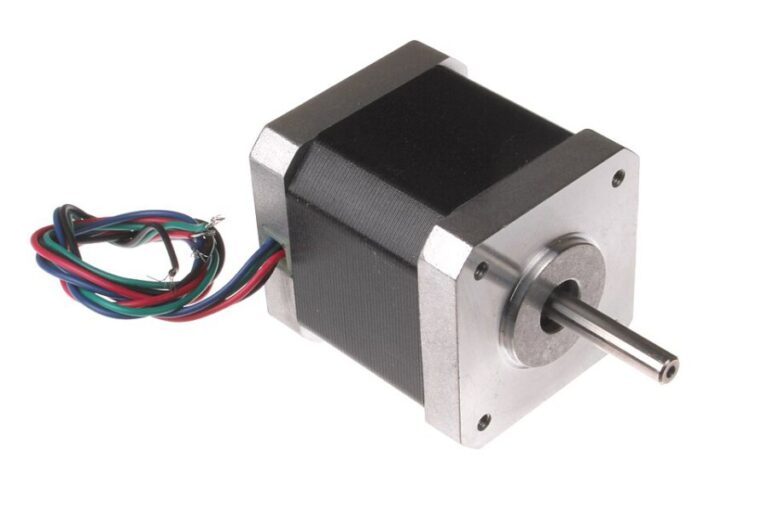
Microstepping divides a stepper motor’s electrical full step into smaller commanded increments. The driver adjusts current in its two windings to create intermediate positions. This can make movement smoother and quieter. The useful result depends on the motor, the quality of the current regulation and the load on the mechanism.
Command resolution and real motion
A 1.8° motor has 200 full steps per turn. With 16 configured microsteps, one rotation needs 3,200 external step pulses. A 40 mm-per-turn belt drive therefore receives 80 pulses per millimetre. The theoretical command increment is 0.0125 mm. Belt elasticity, friction, pulley alignment and the torque needed to hold a position all influence where the carriage really settles.
Small increments can help reduce the sudden changes in force that occur at lower step resolutions. Further increases in resolution may make little difference on a printer with loose gears or a poorly supported axis. Correct the mechanical issue first and use a repeatable test to judge any improvement.
Account for the controller’s pulse workload
At 180 mm/s and 80 pulses/mm, the controller must produce 14,400 pulses each second for a single axis moving at that speed. If a different driver supports switching from 16 to 32 externally commanded microsteps while the mechanics stay fixed, that same move would demand 28,800 pulses/s. Check the documented driver and controller limits and remember that coordinated moves can involve several axes.
Some Trinamic drivers interpolate between incoming pulses internally. Their interpolation setting is separate from the number of external pulses the controller sends. The exact effect on motion depends on the driver and firmware. On drivers with hardware jumpers, confirm the jumper configuration matches the firmware settings before testing an update.
Change and test in order
- Record the current driver mode and firmware configuration.
- Choose one supported microstep setting and apply the matching firmware change.
- Verify a slow move covers the expected distance before attempting normal-speed travel.
- Compare noise, print quality and repeatability using the same model and speed.
If travel distance doubles or halves after changing the mode, check the hardware and firmware microstep settings before recalibrating the printer’s geometry.