Why Your 3D Print Shifts Sideways and How to Find the Cause
By admin
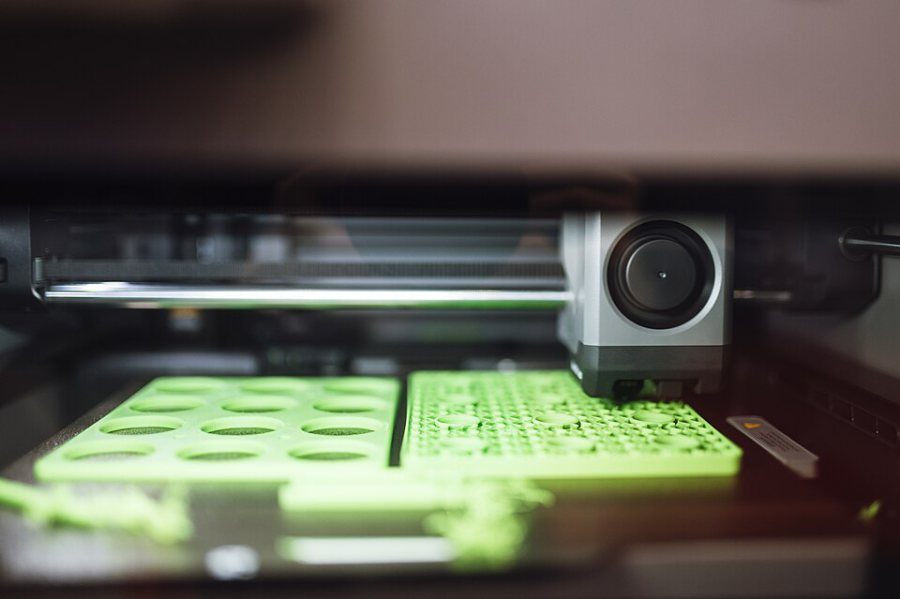
A layer shift looks like a step in the wall of a print. The upper part continues printing, but it has moved sideways relative to the layers below. This can happen when the motion system loses position. The cause may be a slipping pulley, a blocked axis or lost steps under load. Start by identifying the direction of the shift and what the printer was doing immediately before it.
Check the mechanical path first
Switch off and let heated parts cool before inspecting the mechanism. Follow your printer’s guidance for moving axes by hand. Check for debris near the rails, wiring that can catch the frame and a part or support that may curl into the nozzle’s path. A fault that appears only at a particular carriage position is a reason to inspect that section of travel.
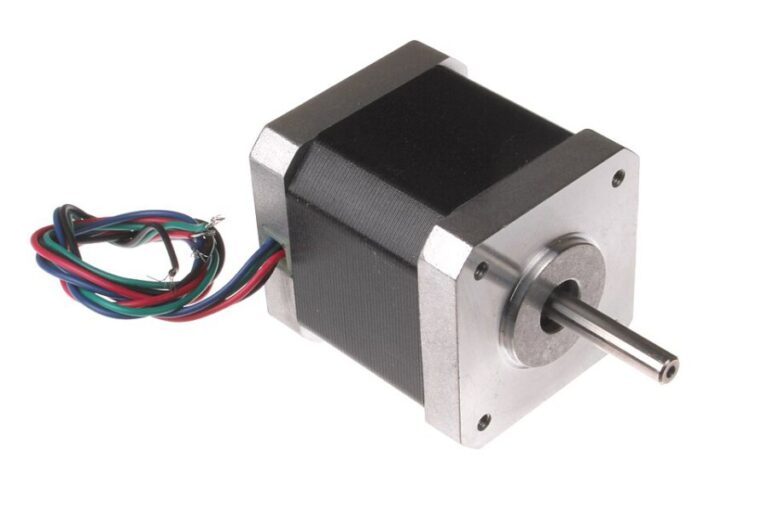
Check belt routing and tension against the manufacturer’s procedure. Inspect the motor pulley and its grub screws. On a shaft with a flat, the intended screw should seat onto that flat. A pulley can appear to turn normally with no load and then slip during a reversal. Confirm that the belt tracks centrally across its travel.
Run a controlled comparison
Select a small model or test pattern that previously showed the problem. Establish a baseline with the printer’s normal profile, then make one measured change. If a modest reduction in acceleration fixes the issue, consider whether demanded torque or a mechanical fault emerges only during rapid reversals. Inspect the axis again before accepting a permanent speed reduction as the fix.
Intermittent shifts that become more frequent after a long run can justify checking the driver cooling and wiring. Inspect vents, fans and connectors according to the manufacturer’s instructions. Compare the current configuration with the driver and motor ratings. More current may raise temperatures without fixing the underlying fault.
Keep a short diagnostic log
- Record the shift direction, layer and position on the bed.
- Note whether the fault follows a collision, travel move or long warm-up.
- Change one setting or mechanical adjustment per test.
- Use a repeat print to confirm the fix before running a large job.
On CoreXY printers an apparent diagonal shift can point toward one belt path or motor. Use the printer’s motion diagram rather than assigning a motor based only on the visible direction.